My Blogs
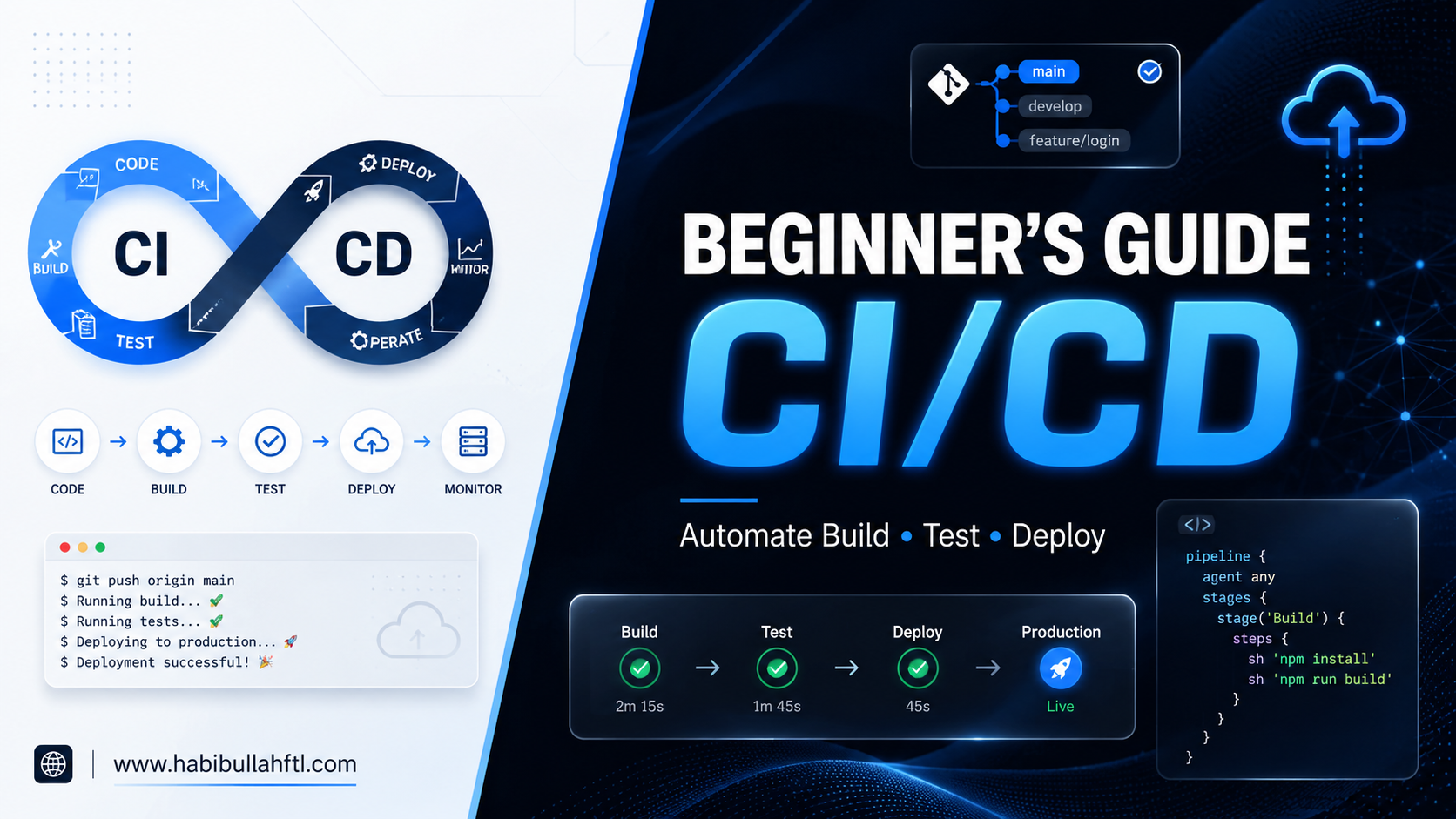
A Beginner’s Guide to CI/CD
May 12, 2026
Have you ever spent hours building a cool feature, finally pushed it to the main branch, and then… boom? Everything breaks. Your teammates are confused, the app is down, and you’re sweating while trying to find that one missing semicolon. If that sounds like your day-to-day, you’re stuck doing a lot of extra work. But there’s a much easier way to get things done. It’s called CI/CD, and it’s like having a super-fast robot friend. This friend checks your work for mistakes and delivers it to your users automatically, so you can stop worrying and go enjoy your coffee. Let’s break it down without the headache. What exactly is CI/CD? Think of CI/CD like a high-tech pizza delivery shop. CI (Continuous Integration) is the kitchen. Every time a chef adds a new ingredient (code), someone immediately checks if it’s fresh and if it fits the recipe (testing). CD (Continuous Delivery/Deployment) is the delivery driver. Once the pizza is ready and checked, it’s automatically boxed up and sent to the customer’s door. 1. The "CI" Part: Continuous Integration In a big team, everyone is working on different parts of the same app. Without CI, merging all that code at the end of the week is a nightmare—people call it "Integration Hell." With CI, every time you "save" your work to the main project (a commit), an automated script kicks in. It: Builds the code: Makes sure everything compiles. Runs Tests: It checks if your new feature accidentally broke the old ones. If something is wrong, you get a "Red Light" immediately. You fix it in minutes instead of finding out days later. 2. The "CD" Part: Continuous Delivery vs. Deployment This is where the magic happens. Once your code passes the CI tests, it’s ready to go live. Continuous Delivery: The code is sitting in a "staging" area (like a rehearsal stage). A human (like a manager) clicks a button to say "Go Live!" whenever they’re ready. Continuous Deployment: There is no "Go" button. If the tests pass, the code goes straight to the real users. It’s faster but requires a lot of trust in your automated tests! Why should you care? Before CI/CD, developers were afraid to push code on Fridays. Why? Because if it broke, they’d spend their weekend fixing it. With CI/CD: You move faster: You can launch new features 10 times a day. Fewer bugs: The CI/CD catch the mistakes before your users do. Zero-Stress Deployments: If a new update has a bug, modern CI/CD tools can "roll back" to the old version in seconds. How to get started? You don’t need to be a "DevOps Ninja" to start. Here is the simple path to building your first pipeline: Pick your tool: If your code is on GitHub, use GitHub Actions. It’s the easiest for beginners. If you use GitLab, use GitLab CI. Write a "Recipe" file: You create a small text file (usually called a YAML file) in your project. This is just a list of instructions for your CI/CD to follow, like: "First, install the libraries. Second, check the code for errors. Third, run my tests." Start with one simple test: Don't try to test everything at once. Just write one test that checks if your website’s homepage actually loads. That’s enough to start! Watch for the "Green Check": Once you save that file and push your code, your tool will automatically start running your instructions. You’ll see a little spinning icon, and hopefully, a green checkmark. If it turns into a red "X," the tool will tell you exactly which line of code caused the problem. Want to learn more? If you're ready to write your first YAML file, check out these simple resources: GitHub Actions: The Official Hello World Guide: A 5-minute read that shows you exactly where to paste your first YAML code to see a "Green Checkmark" in action. YouTube: CI/CD Tutorial using GitHub Actions: A fast-paced video that shows you how to automate your project without the fluff. FreeCodeCamp: What is YAML? The YML File Format: Since CI/CD uses YAML files, this quick guide explains how to write them without making easy-to-fix spacing mistakes. Youtube: What is CI/CD Pipeline?: Explains the CI/CD in simple terms Pro Tip: Most tools have "templates" already waiting for you. When you click on the Actions tab in GitHub, it will actually suggest a starter YAML file based on your code!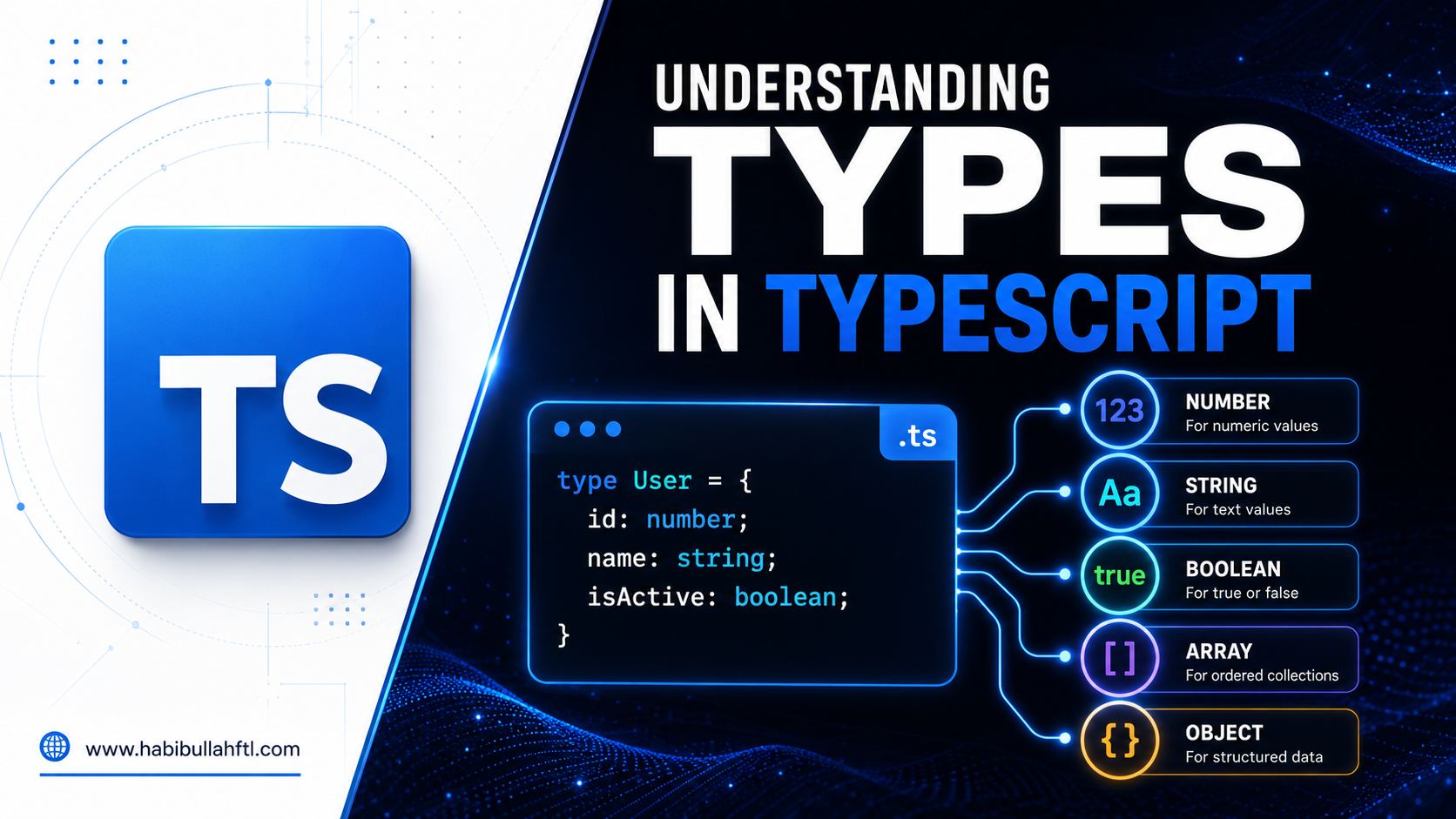
Understanding Types in TypeScript
Dec 20, 2024
TypeScript is a powerful, statically typed superset of JavaScript that helps developers write safer and more maintainable code. One of its key features is its robust type system. In this blog, we will explore the most important types in TypeScript and provide examples to illustrate their use. 1. Primitive Types TypeScript includes all JavaScript primitive types, ensuring that variables are strongly typed. a. String Represents textual data.
A Deep Dive into Next.js 14 App Router
Oct 04, 2024
The release of Next.js 14 brings exciting updates, especially with the introduction of the new App Router. This dynamic, component-based routing system takes routing in Next.js to the next level, enabling developers to build scalable and modular applications with ease. Let’s walk through the key features of this new router and how it enhances app development.
Choosing the Perfect Database: Why Convex for...
Sep 24, 2024
In today's fast-changing world of app development, choosing the right database is key to ensuring good performance, scalability, and user experience. Recently, I built a real-time messaging app using Convex, a serverless and reactive data platform. This experience helped me understand when Convex is the best option and when traditional databases like MySQL or PostgreSQL might be a better fit. Why I Chose Convex for a Real-Time Messaging App Convex is designed for applications where real-time data synchronization, scalability, and low-latency operations are critical. In my messaging app, users required instant updates for messages, reactions, and replies. Convex stood out for several reasons: 1. Real-Time Updates by Default Convex offers real-time updates right away, so users receive instant feedback. This means you don’t have to deal with complicated tools like WebSocket or polling, which can make your application more complicated than needed. 2. Easy to Use Setting up real-time queries and mutations in Convex is simple. It abstracts away the need to manage servers, which can be particularly helpful when you're focusing on features rather than infrastructure. This allowed me to build a scalable real-time messaging app without worrying about low-level configurations. 3. Reactive Programming Model Convex's reactive programming model means that any changes in the database automatically propagate to subscribed clients. In a messaging platform where users expect live updates (e.g., new messages, replies, reactions), this feature was essential to maintaining responsiveness. 4. Serverless and Scalable With Convex being serverless, it scales seamlessly with traffic spikes. This is crucial for real-time applications where user activity can be unpredictable. There’s no need to manually configure or optimize servers for scale, allowing developers to focus on building features. 5. File Storage Simplified Convex includes built-in support for handling file storage, which was particularly useful for my messaging app where users can send images and documents. This integrated file storage feature allowed me to manage uploads directly in the app without needing to rely on external services, keeping both files and messages tightly coupled in the same environment. 6. Simple and Secure Authentication Convex makes it easy to set up secure authentication with built-in support for user login and access control. Whether you're using OAuth or other methods, Convex handles the complexities of user management, ensuring that only authorized users can access the app's data. This simplifies the process of managing user sessions and permissions, while keeping everything secure. When Convex Might Not Be the Best Fit Although Convex was the perfect choice for my messaging app, there are scenarios where traditional SQL databases or other services might be more appropriate. 1. Complex Query Requirements Convex is optimized for real-time, reactive use cases, but when it comes to handling highly complex queries (like multi-table joins and complex aggregations), traditional SQL databases such as PostgreSQL or MySQL might offer more flexibility. These databases have been around for decades and provide extensive query capabilities, optimized for a wide range of business logic. 2. Transaction Handling Convex is great for handling single documents, but it may not be the best choice if your app needs to work with multiple documents or tables at the same time. SQL databases excel in this area. For example, in large e-commerce sites or financial systems, it's important to ensure that transactions are reliable and consistent, which often requires using a relational database that follows ACID (Atomicity, Consistency, Isolation, Durability) principles. 3. Long-Term Data Analytics If your application requires complex data analytics, reporting, or long-term storage, you may benefit from the advanced querying and indexing capabilities of SQL databases. They are often better suited for data warehouses and business intelligence systems, where historical data needs to be queried efficiently. When to Choose Convex Real-time applications: Messaging apps, live collaboration tools, real-time dashboards, etc. Small-to-medium applications: Where ease of setup and scalability are critical. Serverless architecture: If you don’t want to manage infrastructure. Low-latency operations: When users expect real-time updates without delay. When to Consider Other Options Data-heavy applications: With complex joins, reporting, or data warehousing needs. Transactional systems: E-commerce platforms, banking apps, or other systems requiring complex transactions. Enterprise-grade analytics: Where historical data queries and analysis are necessary. Conclusion Having used Convex for a real-time messaging application, I found its reactive, serverless nature perfect for the task. Convex’s ability to handle real-time updates seamlessly gave my app a huge performance boost, especially in terms of user experience. However, for applications requiring complex transactions or heavy analytics, SQL databases like PostgreSQL or MySQL are still strong contenders. Ultimately, the choice between Convex and traditional databases boils down to your application's requirements. If you're building a real-time app where responsiveness and scalability are critical, Convex may be your best bet. However, if your focus is on complex queries, transactions, or analytics, a traditional SQL database might be the more reliable option. For learning more you can visit https://docs.convex.dev/home
How to add custom scrollbar in CSS?
May 09, 2022
I have used custom scroll bar on my web appli cations. I learned a few things when I was trying to use a custom scroll bar using CSS. Here, I will share those things with you. Let’s start designing the scroll bar… For Chrome/Safari and other modern browsers: 1. ::-webkit-scrollbar , this pseudo-element is like a container of a scroll bar which is covered by other elements: ::-webkit-scrollbar { width: 9px; } 2. ::-webkit-scrollbar-button , this pseudo-element are used for controlling the directional buttons of the scroll bar: ::-webkit-scrollbar-button { width: 9px; height: 5px; ... } 3. ::-webkit-scrollbar-track , we can style the empty space of a scroll bar using this pseudo-element: ::-webkit-scrollbar-track { background: #ddd; ... } 4. ::-webkit-scrollbar-thumb , by using this pseudo-element we can style the thumb of the scroll bar: ::-webkit-scrollbar-thumb { background: #f1f1f1; width: 8px; ... } For Firefox: In firebox we can style scroll bar using CSS property scrollbar-color and scrollbar-width: :root { overflow-y: scroll; scrollbar-color: #3182fc #ddd; // scroll-thumb and scroll-track scrollbar-width: thin; // thin, auto or custom width } For learning more you can read: How To Style Scrollbars with CSS Scrollbar The Current State of Styling Scrollbars in CSS
Few things about ‘Fat Arrow Function’ and Reg...
Jul 03, 2021
Arrow Function also called as “fat arrow function”, is the way of writing a function by reducing code. Regular function: const getSum = function(a, b){ return a + b; } Arrow function: const getSum = (a, b) => a + b; In the above two examples, we can see ‘Arrow Function’ allows us to use the fat arrow operator(=>) to define a function. Also, we do not need to use curly braces if there is only one line code inside the function & it will return the value. Also, no need to use the ‘return’ keyword to return value. If we write the ‘return’ keyword in one line arrow function, it will show an error. N.B.: If we want to write multiple line code in an arrow function then we have to use curly braces and inside have to write the ‘return’ keyword to return a value.
10 Important JavaScript Interview Questions
May 08, 2021
I am writing here about 10 important JavaScript interview questions. 01.Do you know About truthy and falsy value? As a beginner, it will confuse you which things are truthy and which things are falsy. Truthy: All defined values are truthy value(except forfalse, 0, -0, 0n, "", null, undefined, and NaN ) if (true){ ... } if ({}){ ... } if ([]){ ... } if (42){ ... } if ("0"){ ... } if ("false"){ ... } if (new Date()){ ..
What is ReactJS? Simple introduction with Rea...
May 07, 2021
What is React JS? React is basically an open-source, javascript library for building user interfaces especially for Single Page Applications. React is a library, not a framework React is not exactly a “framework”. It is not a complete solution and you will often need to use more libraries with React to form any solution. React does not assume anything about the other parts in any solution. React uses JSX JSX stands for JavaScript XML. React uses JSX instead of using regular JavaScript. JSX allows us to write HTML in React. You are not required to use JSX, but JSX makes it easier to write React applications. Virtual DOM React creates an in-memory data structure cache(a reserved storage location that collects temporary data to help websites, browsers, and apps load faster) which computes the changes made and then updates the browser. This allows a special feature that enables the programmer to code as if the whole page is rendered on each change whereas React library only renders components that actually change. React is all about components In React, we describe UIs using components that are reusable, composable, and stateful. We define small components and then put them together to form bigger ones. All components small or big are reusable, even across different projects. You can think of components as simple functions (in any programming language). We call functions with some input and they give us some output. We can reuse functions as needed and compose bigger functions from smaller ones.
Some important things should know a JavaScrip...
May 06, 2021
As I’m a JavaScript learner. I realize that these things will help you understand JavaScript very well. Also, these things will help you to play with JS codes comfortably Error Handling(try….catch) When we are writing codes in JavaScript, sometimes our scripts occur error because of our mistake or unexpected user input, or something else. There is a nice way to handling errors in JavaScript, this is ‘try…catch’. It allows us to catch errors so that the script can do something instead of dying. Syntex of try…catch: try { // code… } catch (err) { // error handling } Coding Style We should write and make our code as clean and easy to read as much as possible. This is the art of programming. Let’s talk about some suggested rules of coding style. I. Curly Braces Bad Practice: if (5 < 7) { alert(“Hello, Piash”); } Good Practice: if (5 < 7) { alert(“Hello, Piash”); }